PGN review starts before the engine
A strong review begins by replaying the game and marking the moments where your plan became unclear. The engine score is then used to test those moments, not to replace your own thinking.
Stockfish-powered PGN review with local engine analysis and practical training notes
Load a game and click "Analyze" to see move-by-move evaluation
ChessAnalysis.Pro is designed around post-game study. Stockfish can tell you which move was stronger, but improvement comes from understanding why the position changed. The review flow below helps turn a PGN into reusable chess lessons.
A strong review begins by replaying the game and marking the moments where your plan became unclear. The engine score is then used to test those moments, not to replace your own thinking.
When the score changes sharply, compare the best move with the move played and write the chess reason in plain language: king safety, loose pieces, pawn breaks, endgame activity, or a missed forcing move.
The browser runs Stockfish for the game review workflow, so you can paste a PGN, step through positions, and study candidate moves without creating an account or uploading the game for engine processing.
Three concrete review positions showing how a FEN, an engine score, and a human explanation become a training note.
Queen's Gambit structure
FEN before: r1bqk2r/pp2bppp/2n1pn2/3p4/2PP4/2N2N2/PP2PPPP/R1BQKB1R w KQkq - 0 7
White wants a quiet 7.e3, but the engine review shows that the center is not ready for another slow move. The training note is to check forcing replies before locking in a development plan.
Sicilian Najdorf, move 6
FEN before: rnbqkb1r/1p2pppp/p2p1n2/8/3NP3/2N5/PPP2PPP/R1BQKB1R w KQkq - 0 6
The review compares a natural bishop development with the needs of the position: king safety, control of d5, and whether Black can gain time with ...e5 or ...b5.
Rook ending, move 45
FEN before: 8/5pk1/6p1/5r2/8/6PK/5R2/8 w - - 0 45
The engine score changes when the rook becomes passive. The practical lesson is to keep checking distance and avoid defending from a square where the opposing king can improve for free.
Three steps for turning a PGN into review notes
Paste your game in standard PGN notation or load the demo PGN. The analyzer also supports FEN strings for single-position review.
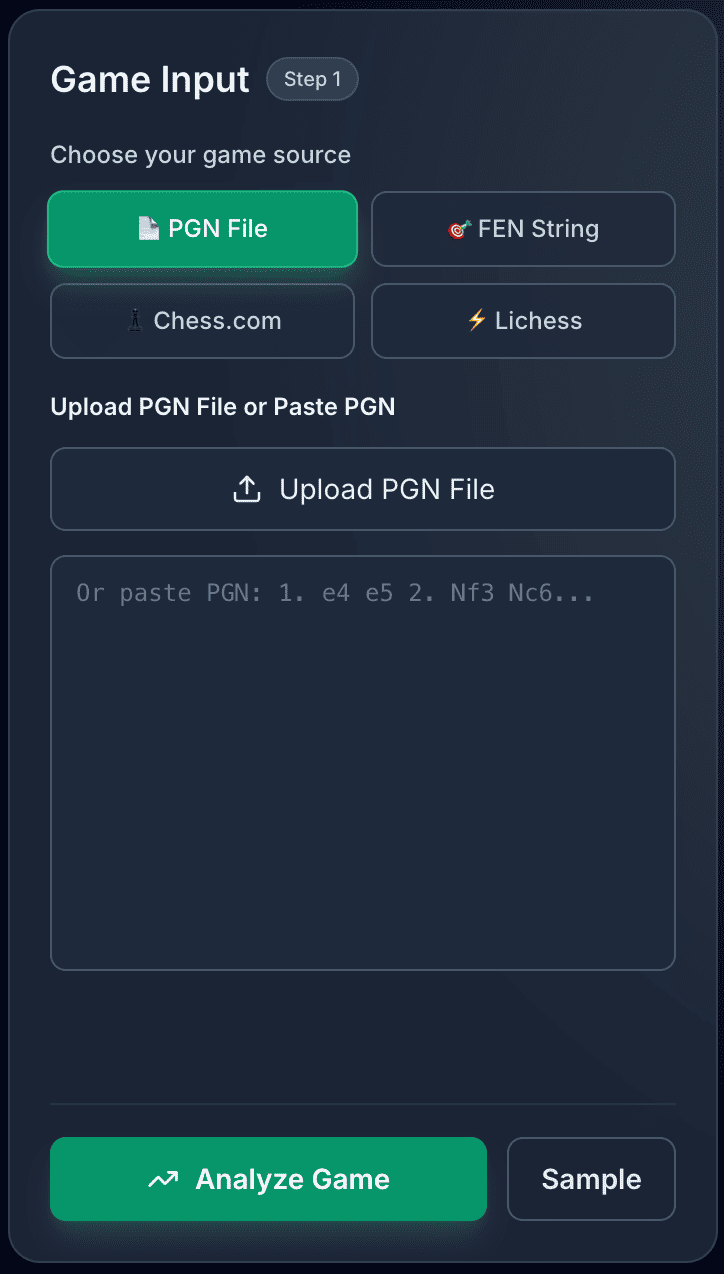
Stockfish evaluates positions in your browser so you can compare the move played with candidate moves at critical moments.
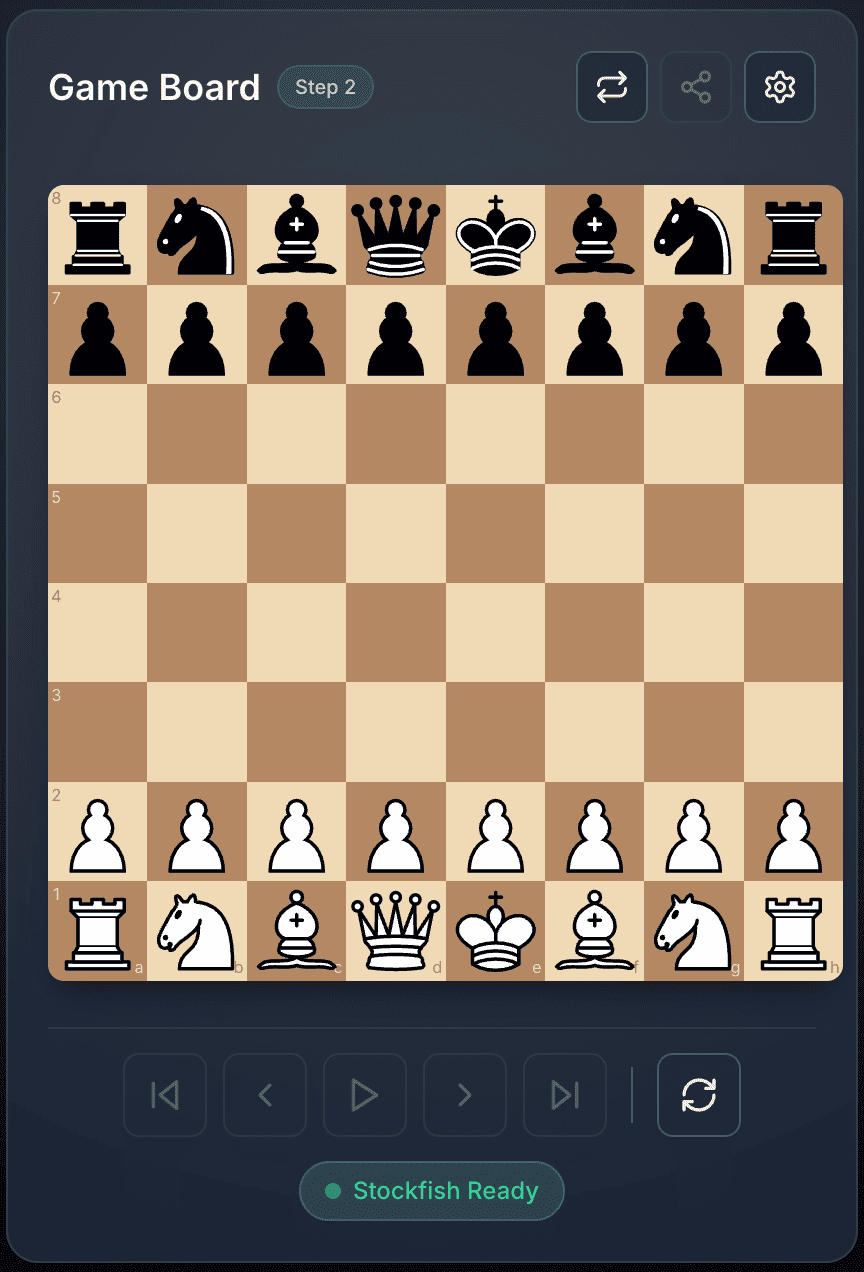
Navigate move by move, identify evaluation swings, and write a practical note about the tactic, plan, or endgame technique behind the change.
Our free chess analyzer combines Stockfish engine technology with a focused review workflow. Analyze games online, study tactical patterns, and turn mistakes into practical training notes.
Use Stockfish engine analysis to review candidate moves, tactical swings, and position evaluations directly in your browser.
Step through positions, compare candidate moves, and inspect how the evaluation changes around the critical moments of a game.
Your PGN is analyzed locally by the browser engine. The site does not require an account or upload your game for engine processing.
No downloads or installations required. Analyze games from any device with a modern web browser—desktop, tablet, or mobile.
Navigate through every position in your game with evaluations. Identify turning points, tactical mistakes, and missed opportunities that deserve a training note.
Understand evaluation swings and critical moments. Learn from mistakes with alternative move suggestions and strategic explanations.
Use engine analysis as a structured review process: find the turning point, understand the better move, and turn that lesson into the next training task.
Paste a PGN after a game, scan the evaluation changes, and mark the positions where your plan or calculation went wrong.
Turn recurring mistakes into a short study list: missed tactics, poor exchanges, weak king safety, endgame technique, or time-pressure habits.
Use engine lines as a starting point for explanation, then compare candidate moves and human plans instead of memorizing a single top move.
Run the Stockfish engine in your browser for local analysis of your PGN, useful when you do not want game preparation uploaded for engine processing.
Answers to common questions about using Stockfish engine analysis to review and improve your chess games
Chess Analysis is a free, browser-based chess game analyzer powered by Stockfish. Paste a PGN, choose an analysis depth, and review the engine evaluation, best move suggestions, and marked mistakes move by move. The engine runs locally in your browser, so your PGN does not need to be uploaded for analysis.
Paste a PGN, review the critical positions, and turn one mistake into a specific training task for your next study session.